



A desktop companion for PC gamers
More
More
control.
Less
alt-tab.
- Downloads
- 5M+
- Widgets
- 25+
- PRICE
- Free
BUILT TO STAY ON TOP
WIDGETS
PRESETS
HUD
REPORTS
IMAGE EDITOR
SET IT ONCE
Every alt-tab
Every alt-tab
costs you a round.
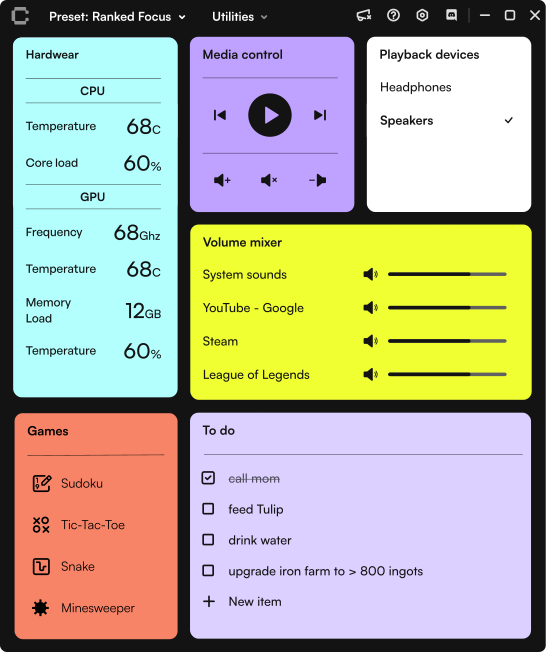
You alt-tab to check temps, skip a track, or set a timer — and by the time you’re back, the fight is over. Control pins every tool you actually use on top of the game. Set it up once, then it runs every match.
Pick a preset
Start from a clean grid or one of the built-in presets — FPS-first, streaming, single-player. Make it yours.
Choose your widgets
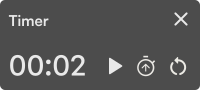
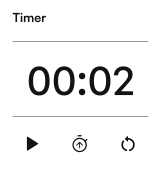
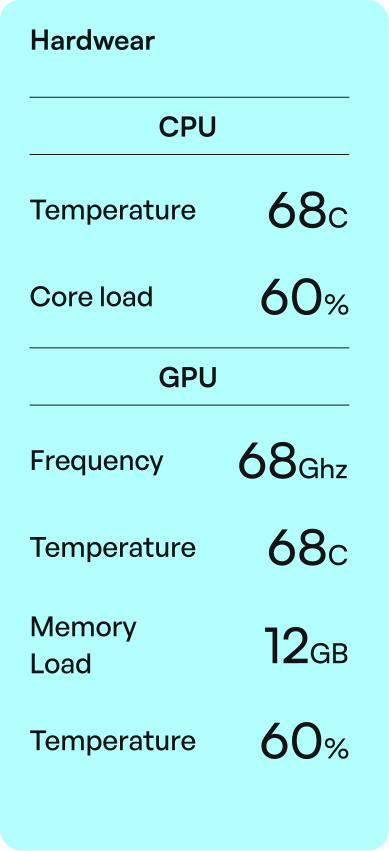
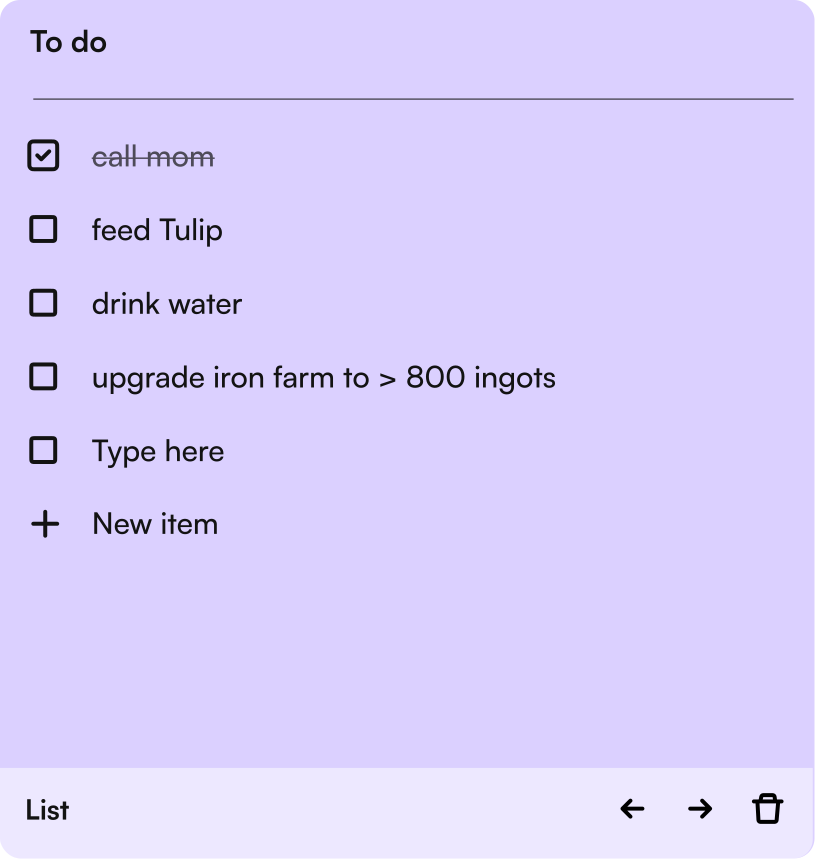
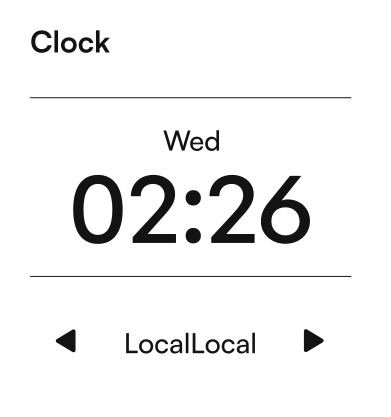
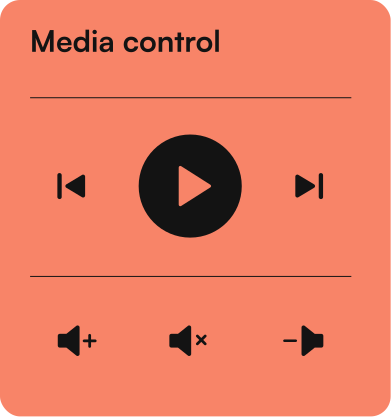
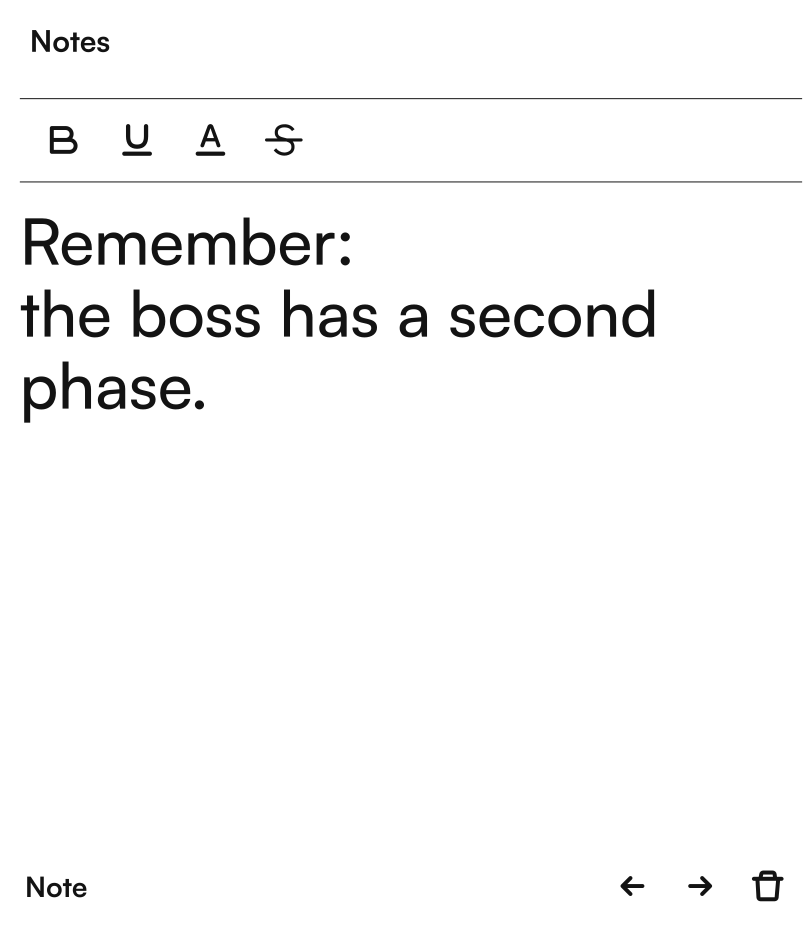
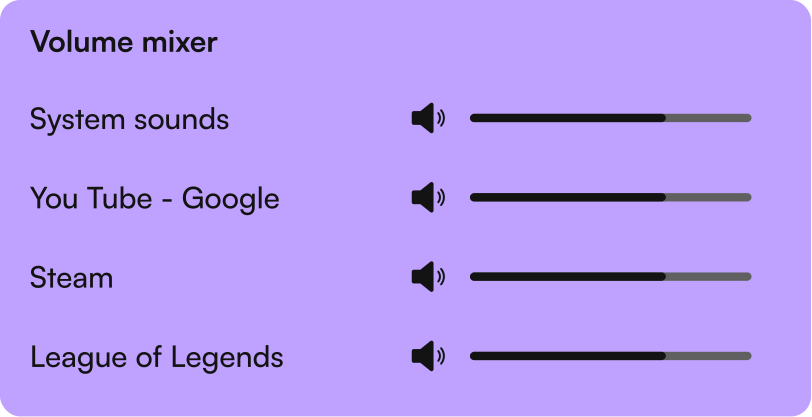
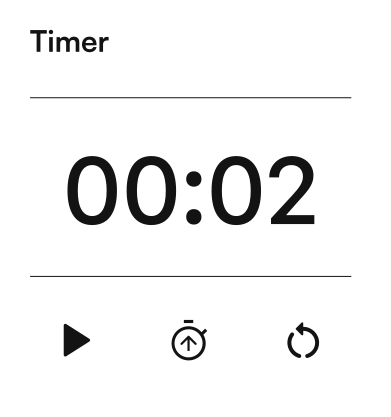
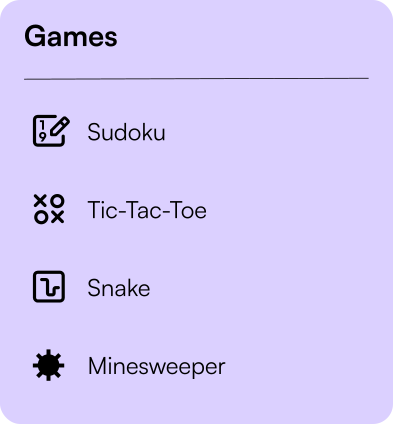
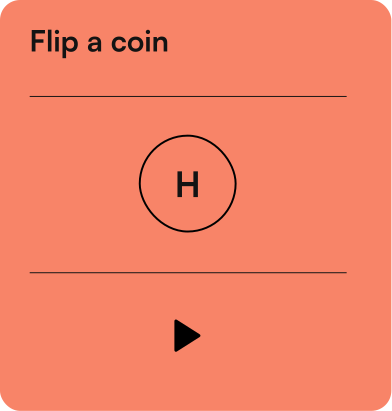
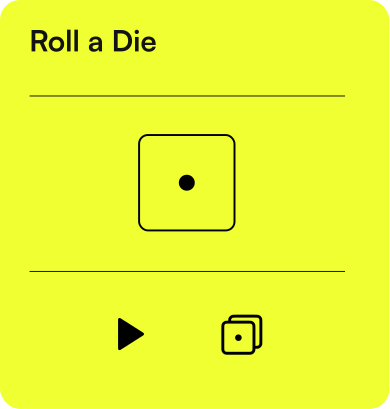
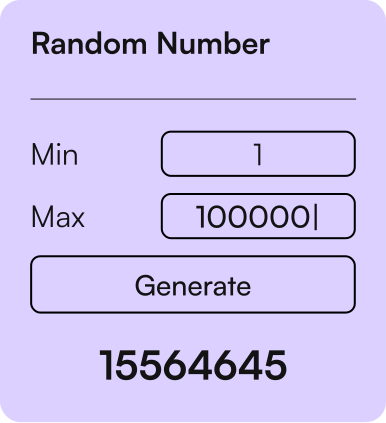
25+ widgets — temps, audio, timers, media, notes, mini-games.
Launch your game CTRL + F12
One global hotkey shows or hides the whole overlay. No alt-tab. No window dance. Just the tools you need, on top.
Power Tools
Bigger features
Bigger features
for bigger moments.


FAQ
Questions,
Questions,
answered.
What is Control?
Control is a desktop companion app for PC gamers that keeps useful tools available while you play.
Is Control free?
Yes, Control is free to use and available through Overwolf.
How does Control work in-game?
Control lets you keep widgets and tools available on top of your game, so you can check or use them without alt-tabbing.
Can I customize my setup?
Yes, you can choose the widgets you need and set up Control around the way you play.
Can I use Control on a second screen?
Yes, Control can support second-screen setups, so your tools can stay visible while your game stays focused.
Does Control affect game performance?
Control is built to stay lightweight. Performance may vary by setup and widgets used, but the app is designed to keep impact low.
Take
control.
Command the chaos. Stay in the match. Install Control in under a minute and stop alt-tabbing for good.
PRICE
Free
WORKS ON
Windows 10 / 11
BUILT FOR
Gaming sessions
INSTALLThrough Overwolf
UPDATESBuilt in